
Own product · web + Chrome extension · 2026
ViewportKit
Full-page screenshots at several device widths, in light and dark mode, from one click. Compare captures over time to spot layout changes before your users do.
Demo capture
6 shots in ~56 s
Automated tests
781
Platforms
Web + Chrome
Role
Product design, full-stack and extension engineering
The product
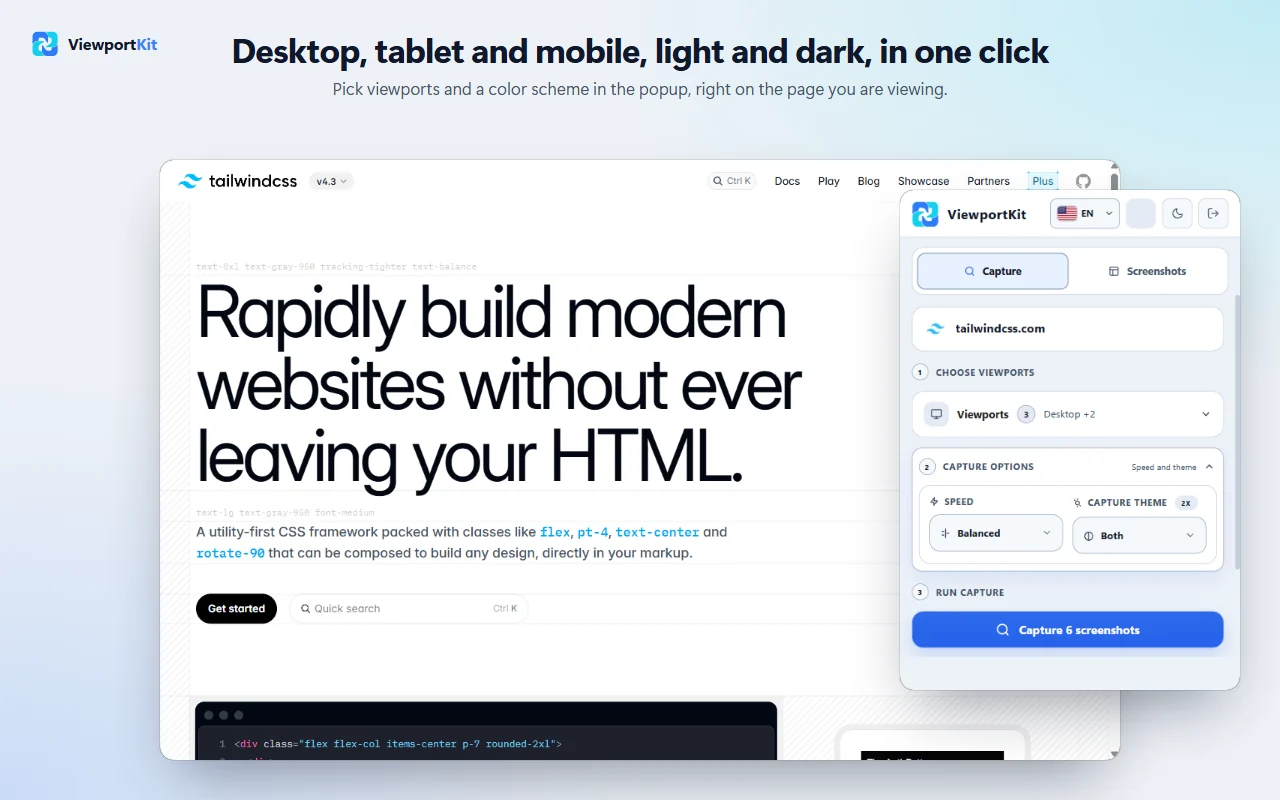
Checking a responsive layout usually means resizing the browser over and over, or opening five device emulators. ViewportKit captures the full page at several device widths, in light and dark mode, in one run. You can then compare the latest capture with the previous one to see exactly what moved.
It started as a Figma concept for a faster UI review tool and became a web app with a Chrome extension.
What I built
- Product and interface design for the web app, the extension popup and the screenshot viewer.
- A Next.js 16 web app with React 19 for projects, capture history, exports and saved settings.
- A Manifest V3 Chrome extension that captures the current tab and saves the screenshots to the user's account.
- A capture service using Browserless and Supabase edge functions for scheduled, recurring captures.
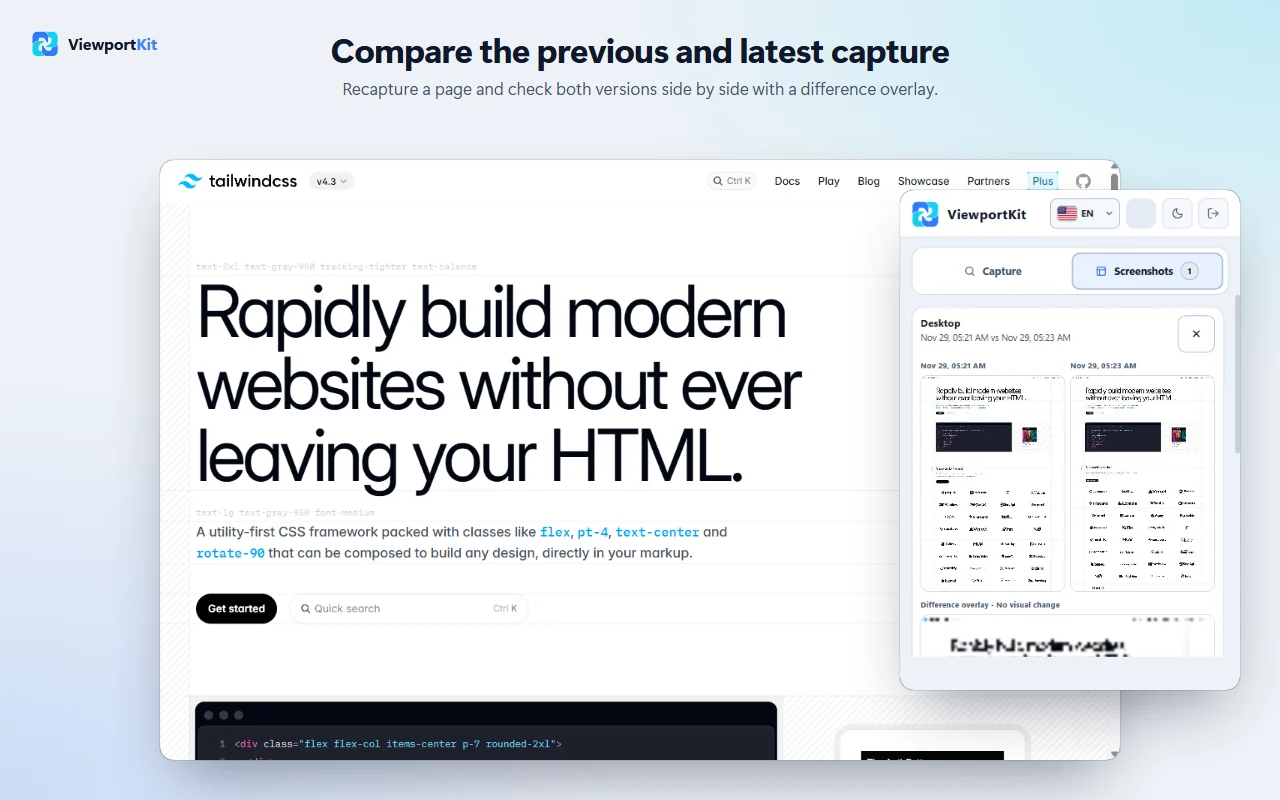
- A compare view that shows two versions side by side with a difference overlay.
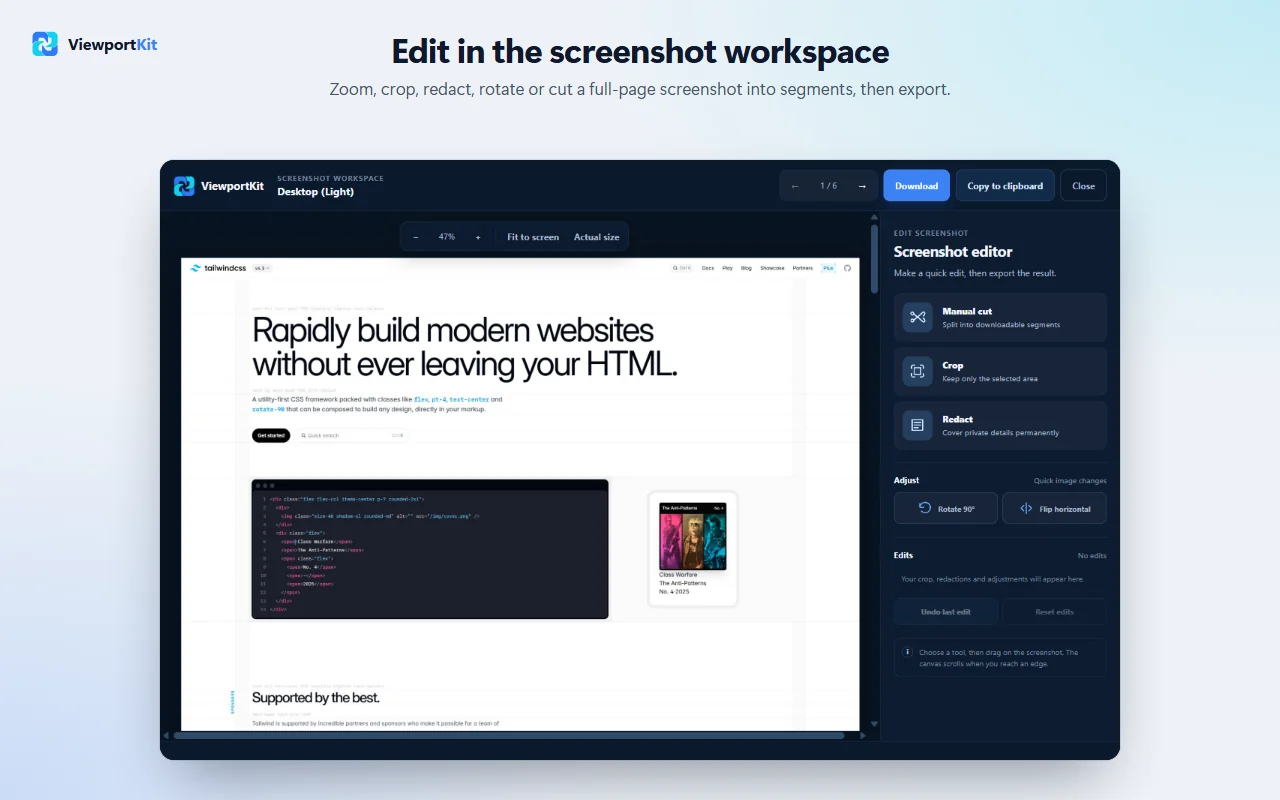
- Smart Cut cropping, exports and an MCP integration, so AI agents can request captures too.
- 781 automated tests and a store-readiness checklist of more than 200 checks.
Decisions that mattered
- Light and dark in the same run. Dark mode bugs are the ones teams find last, so they get the same capture as the default theme.
- History before features. Saving every capture made the compare view possible, and that turned out to be the feature people understand fastest.
- A performance budget for public pages, enforced in tests, so the marketing site stays fast as features grow.
Where it is now
The web app is live at viewportkit.com, and the Chrome extension is packaged for the Chrome Web Store. In a recorded demo it captured six full-page screenshots (three widths, light and dark) in about 56 seconds.
Selected visuals
Your product next