
Own product · web + Chrome extension · 2026
PromptVar
Reusable AI prompt templates with typed variables. A Chrome side panel fills the template and pastes the finished prompt into ChatGPT, Claude, Gemini or Perplexity.
AI chat sites
4
Automated tests
1,690+
Platforms
Web + Chrome
Role
Product design, full-stack and extension engineering
The product
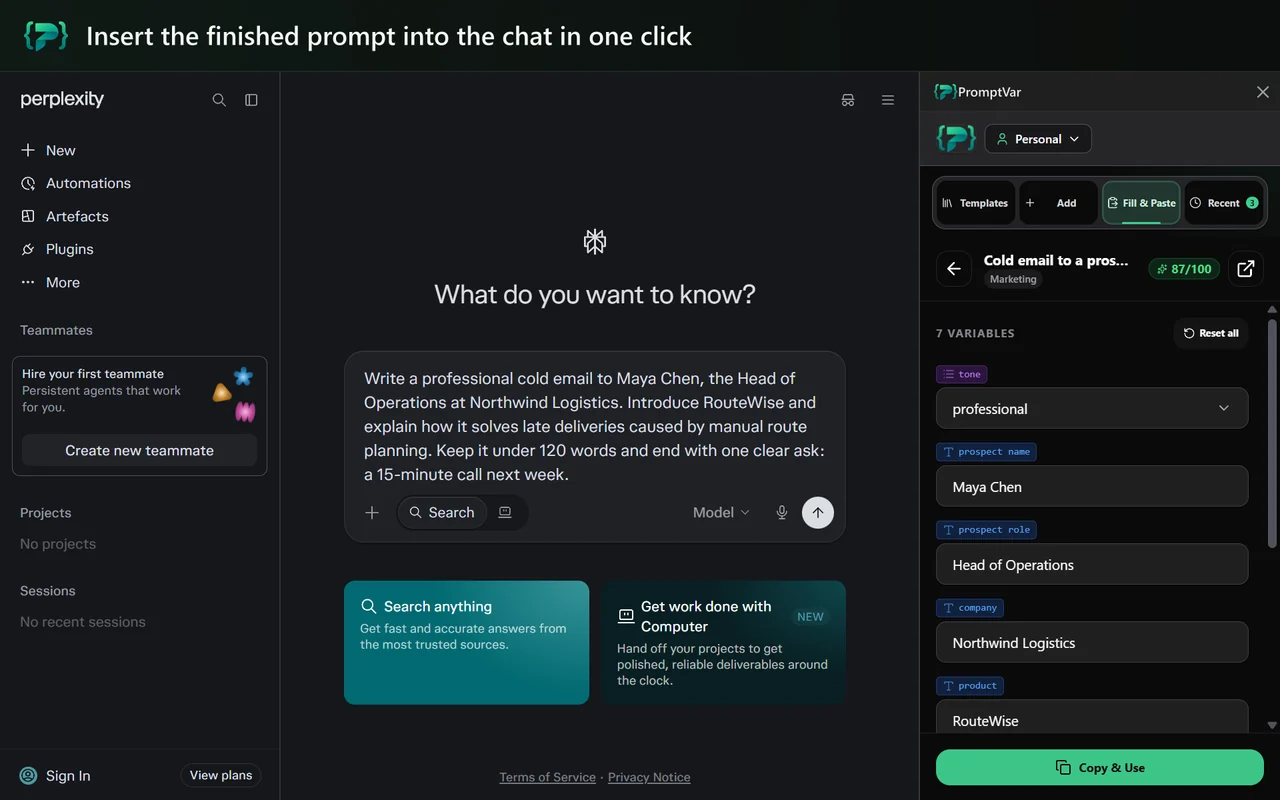
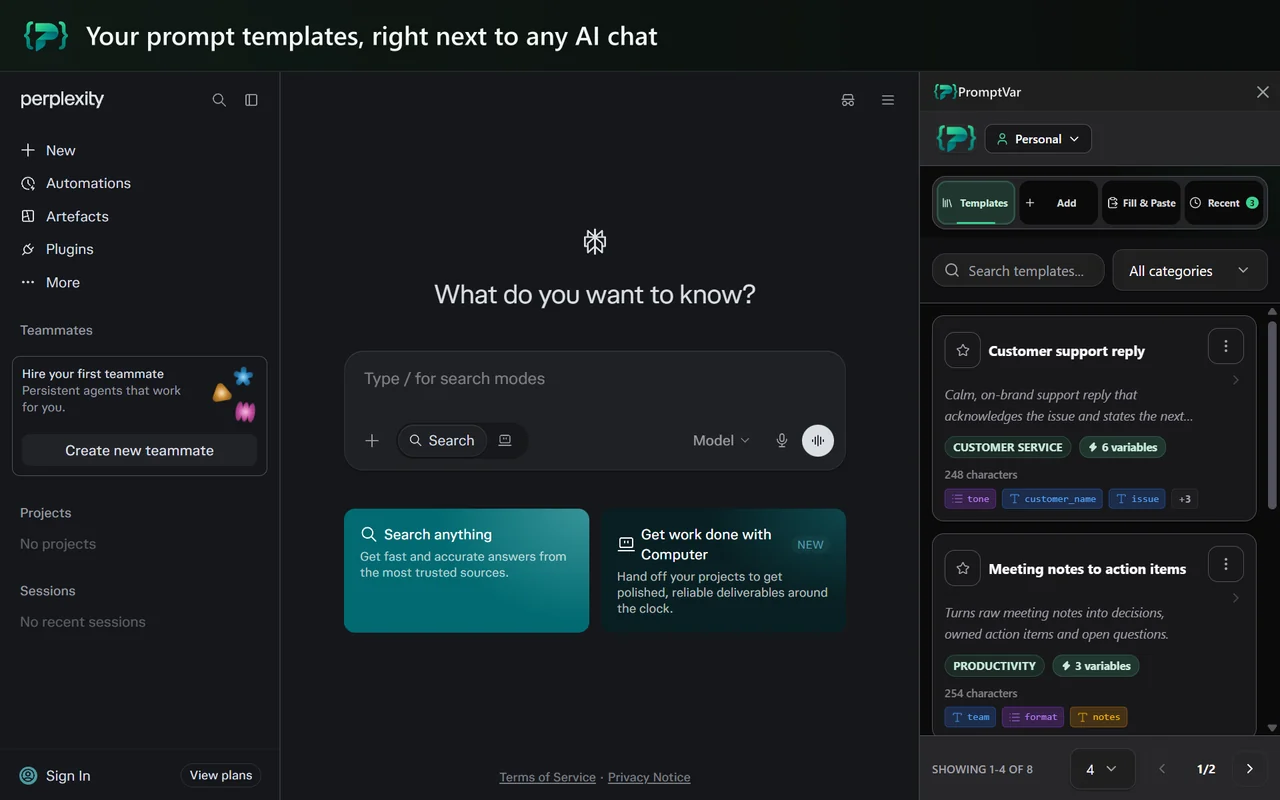
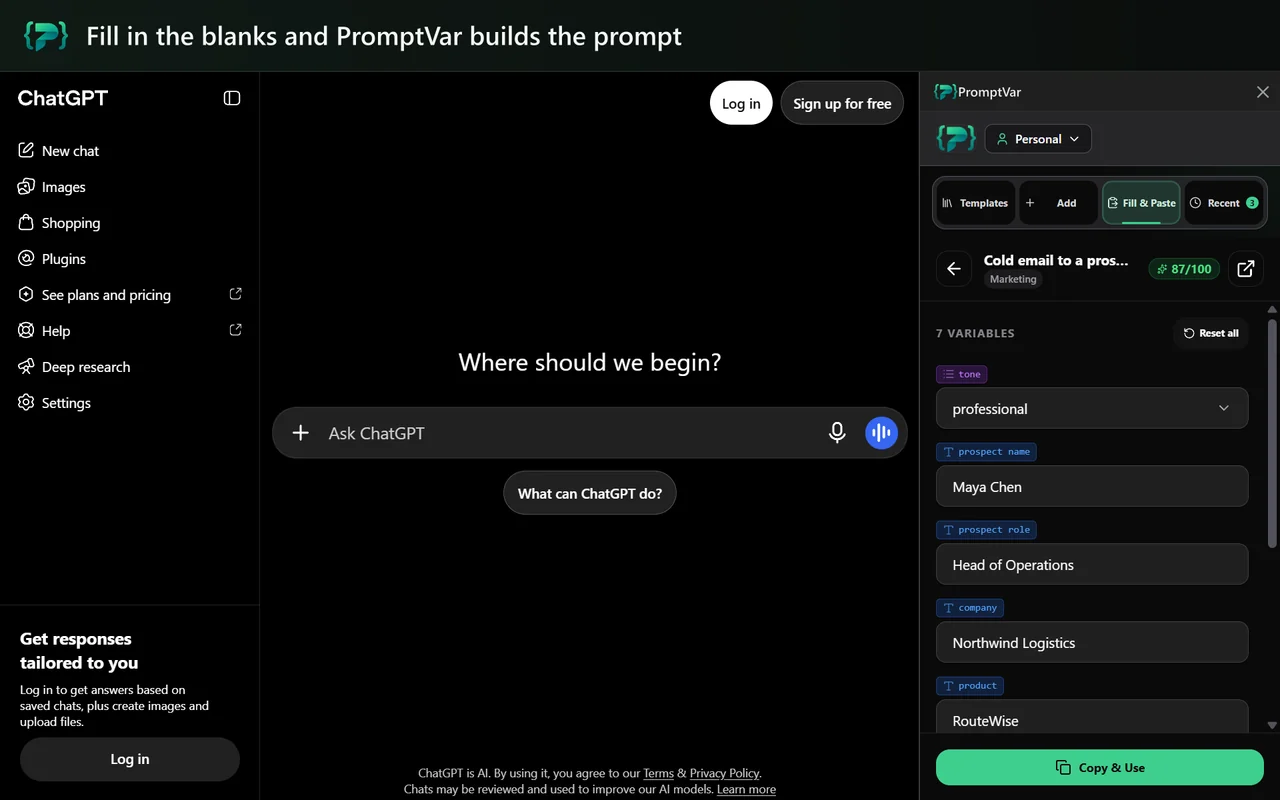
People who use ChatGPT, Claude, Gemini or Perplexity every day end up retyping the same prompts with small changes. PromptVar turns those prompts into templates with typed variables, such as a tone dropdown, a name field or a product field.
In the Chrome side panel you pick a template, fill in the variables and click once. The finished prompt is pasted into the chat box. PromptVar never presses send for you, so you always check the text first.
What I built
- Product and interface design for both the web app and the side panel, including template libraries and shared workspaces.
- A Next.js 16 web app with localized routes, a public template gallery and a blog for search traffic.
- A Manifest V3 Chrome extension built with React and Vite. It runs as a side panel and pastes into the supported chat sites.
- Google sign-in shared between the extension and the web app, so one account works in both.
- Optional AI actions that turn a plain prompt into a template or improve it, using the customer's own API key or credits.
- More than 1,690 automated tests, plus end-to-end checks with Playwright.
Decisions that mattered
- Paste, don't send. Auto-sending would be faster, but people want to read the prompt first, and it keeps the extension's permissions small.
- Typed variables instead of free text. Dropdowns and short fields make templates safe to share with a team.
- Bring your own key. Heavy users keep control of their AI costs.
Where it is now
The web app is live at promptvar.com, and the Chrome extension is packaged for the Chrome Web Store.
Selected visuals
Your product next